
Product Overview
Micros Touch Screen Monitor
Advanced touchscreen workstations with resilient hardware, crisp visuals, and intuitive navigation — built for commercial use and backed by expert support from Micros Integrated Payments.
Get the most out of your business with Micros touchscreen monitors that are easy to use, enterprise-grade durable, and designed for high-volume restaurant and commercial POS environments. Compatible with all Micros POS software.
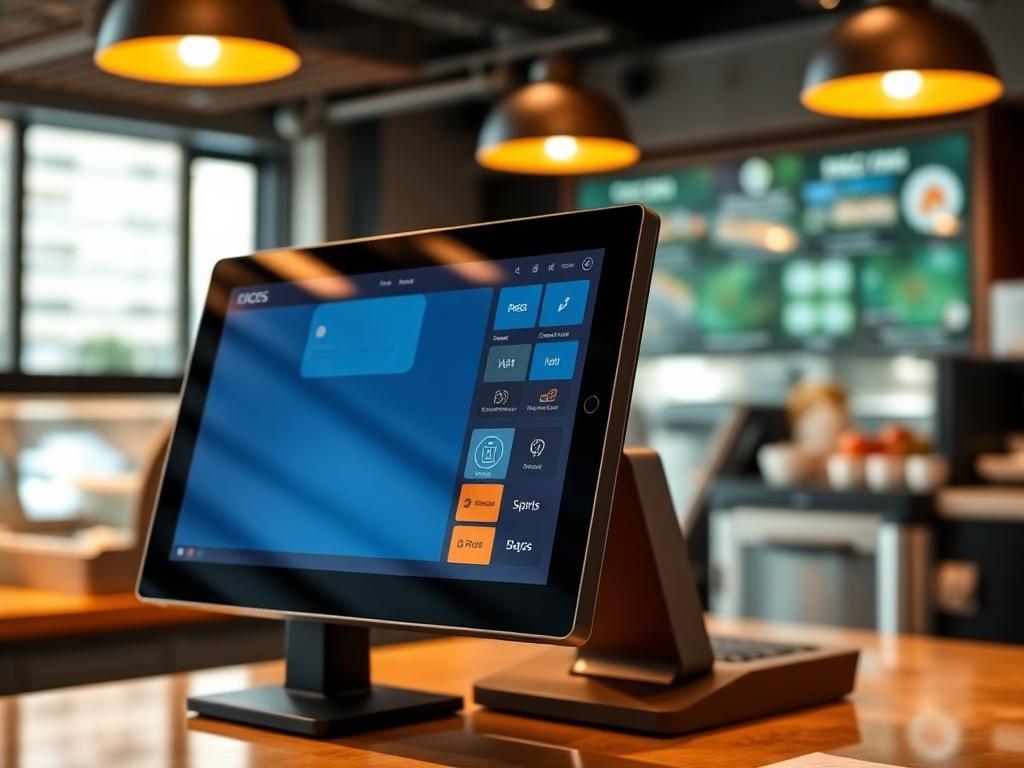
Overview
What Is a Micros Touch Screen Monitor?
Micros touch screen monitors are advanced point-of-sale workstations designed to bring efficiency, speed, and reliability to commercial business environments. These touchscreen displays are built specifically for Micros POS software, offering crisp visuals, intuitive navigation, and enterprise-grade durability that consumer-grade monitors cannot match.
When Micros systems first came out, they were analog systems — now, they have passed through a series of evolution and technological advancements. Micros workstations are now touch screens and highly efficient, featuring high-speed operation, versatility, and resilient hardware designed for daily commercial use. The touchscreen surface is easy to clean and maintain, and the systems are built to withstand the demands of busy restaurant, hotel, and retail environments.
There are different types of Micros touchscreen monitors, including the Micros Workstation 6 Series and the latest Micros Workstation 8 Series. At Micros Integrated Payments, we carry quality Micros touchscreen monitors at competitive prices, with volume discounts available based on your hardware needs.
Table Service
Built for restaurants, hotels, banquet rooms, bars, and multi-station venues.
Quick Service
Fast ordering, modifiers, tenders, and payments for counter-service teams.
Reporting & Analytics
Track sales, labor, inventory, and performance from one POS ecosystem.
Works For
Restaurants, hotels, bars, cafes, retail locations, and high-volume hospitality operators.
Integrations
Connect Opera PMS, HMS systems, ordering, loyalty, and payment tools.
Support
Upgrade, setup, and 24/7 support from Micros payment specialists.
Key Features
What to Look for in a Micros Touch Screen Monitor
When buying a Micros touch screen monitor, consider these essential hardware specifications and features for optimal POS performance in your business environment.
Powerful Processors
Choose monitors with Intel Core processors (up to i5-8365UE quad-core 4.10 GHz) for maximum efficiency and speed — the stronger the processor, the faster the POS operations.
RAM & Storage Options
8 GB RAM for fast, responsive operation and 64 GB+ storage to handle all transaction data, menu configurations, and business records across shifts.
Fan-less Cooling System
Fan-less design reduces overheating risk during continuous all-day operation and prevents dust, grease, and airborne particles from circulating inside the system.
Display Specifications
Multiple screen sizes available with anti-glare options for comfortable viewing. High-resolution touchscreen displays designed for clear visuals in any lighting condition.
Heat & Moisture Resistance
Resilient hardware that withstands different weather conditions and environmental factors — essential for kitchens, outdoor service areas, and high-humidity environments.
Shock & Vibration Resistance
Built for commercial durability: shock and vibration resistance reduces power consumption and increases overall POS system performance in demanding environments.
Resistive Touchscreen
Resistive touchscreen technology operated with a light tap — fast, intuitive, and easy to use even for employees new to the restaurant industry.
Removable Media Support
External media storage support serves as a reliable backup system — store additional data externally whenever you run out of internal storage space.
Multiple Payment Types
New Micros touch screens support all payment types with both offline and online capabilities — credit, debit, contactless, and mobile wallet processing.
Benefits
Advantages of Using a Micros Touch Screen Monitor
Easy Interface Accessibility
Access any required POS feature with a single tap. The intuitive touchscreen interface ensures fast navigation and minimal learning curve for all staff members.
Quick Sales Transactions
Save time when handling and keeping track of transactions. Touch screen operation speeds up order entry, payment processing, and receipt generation.
Operational Efficiency
Micros touch screen monitors are highly efficient — easy accessibility saves time, creating more time to focus on customer service and other business operations.
Easy Cleaning & Maintenance
The smooth touchscreen surface makes it easy to clean and maintain in commercial environments — quickly wipe fingerprints, grease, and spills during busy shifts
Self-Service Capability
Touch screen monitors can support self-service features, allowing customers to interact with the system without interfering with back-of-house business operations.
Enterprise-Grade Durability
Built for commercial use — heat resistance, moisture protection, shock-resistant construction, and fan-less cooling ensure reliable operation in demanding restaurant environments.
Use Cases
Where Micros Touch Screen Monitors Are Used
Micros touchscreen workstations are trusted in commercial environments where durability, speed, and reliability are essential for daily operations.
Full-Service Restaurants
Quick-Service & Cafes
Bars & Lounges
Hotels & Resorts
Kitchens & BOH
Multi-Location Chains
Micros touch screen monitors are built for commercial purposes — designed to withstand hard conditions in busy restaurant kitchens, front-of-house stations, bar counters, and hotel front desks. The resilient hardware handles continuous daily use from morning to closing hours without performance degradation.
The difference between a POS touch screen monitor and a consumer touchscreen is significant: Micros monitors feature enterprise-grade build quality including fan-less cooling, moisture resistance, shock protection, and anti-glare displays specifically designed for demanding commercial environments where standard consumer hardware would fail.
Ready to move forward with Touch Screen Monitors?
Tell us about your current Micros setup and goals. We will recommend the right hardware, integrations, and support path for your business.
Hardware & Components
Related Micros Hardware & Systems
The Micros touch screen monitor is part of a broader Micros hardware ecosystem. Explore related workstations, displays, and system components that complement your POS setup.
System Components
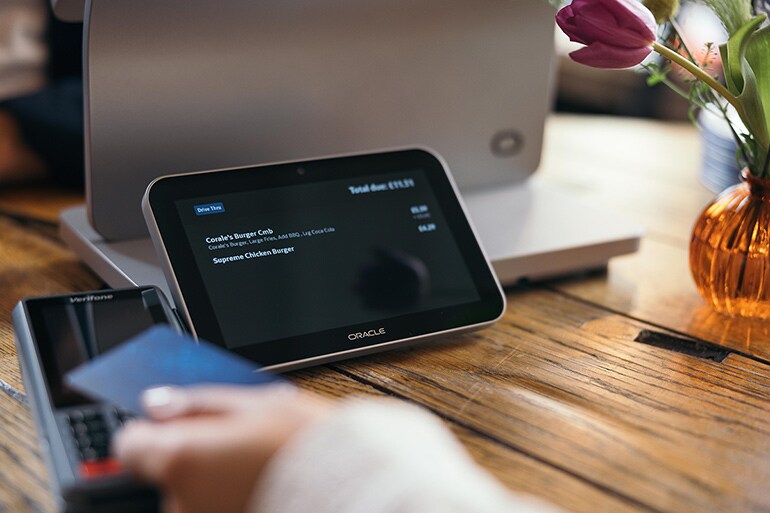
Displays & Scanners
Micros Customer Display
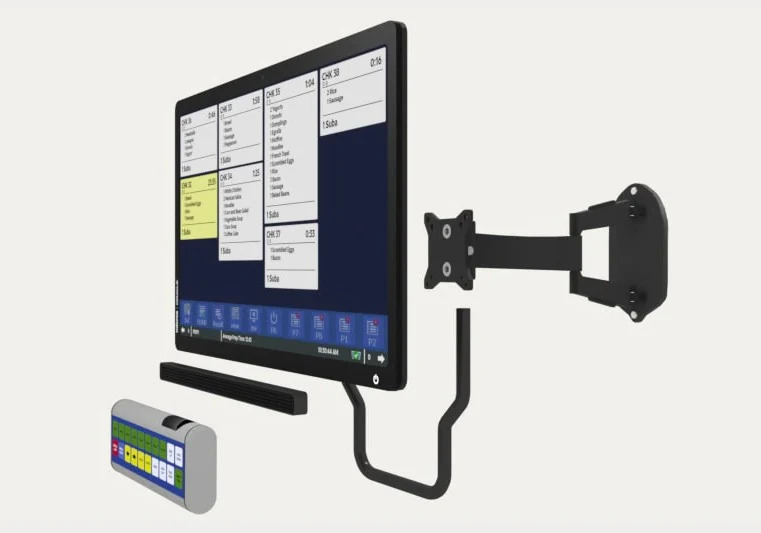
Displays & Scanners
Micros Kitchen Display System (KDS)
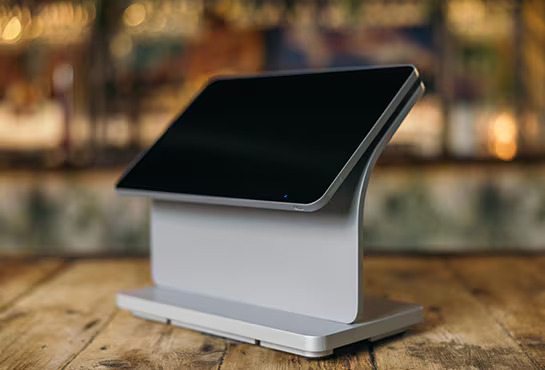
POS Terminals & Workstations
Micros Workstation 8 Series
In addition to the core system, the MICROS 9700 is compatible with handheld mobile devices, receipt printers, cash drawers, card readers, and wireless terminals. Contact us for a full hardware assessment tailored to your business type and environment.
Integrations
HMS & Oracle Integration for Touch Screen Monitors
Extend the power of your MICROS 9700 POS system with Oracle Hospitality integrations, HMS hotel system connectivity, and modern payment and ordering technologies.
Opera PMS Integration
Connect your Micros POS with Oracle Opera PMS for hotel property management, room charges, and guest folio integration.
ExploreApple Pay & EMV
Accept Apple Pay, EMV chip, and contactless payments through integrated payment terminals for faster, secure transactions.
ExploreQR Code Ordering & Payments
Enable tableside QR code ordering and payment for a contactless guest experience that speeds up service.
ExploreOnline Ordering
Integrate online ordering directly with your Micros POS for smoother order management and fewer manual steps.
ExploreSetup & Support
Expert Setup & 24/7 Support
Micros Integrated Payments has helped over 200,000 businesses buy or upgrade their Micros POS systems. We provide quality Micros touchscreen monitors with professional installation, compatibility guidance, and round-the-clock support.
Professional Installation
On-site expert setup and hardware configuration — we handle cabling, monitor mounting, and system testing by certified Micros technicians.
Compatibility Guidance
Free consultation on which Micros touch screen monitor is right for your POS version, business type, and operational requirements.
24/7 Technical Support
Round-the-clock phone, email, and on-site support. Our Micros specialists are available whenever you need help with your touchscreen hardware.
Volume Discounts
Competitive pricing with volume discounts based on the number of monitors and hardware you need. Contact us for a tailored quote.
Trusted by 200,000+ Businesses Nationwide
Oracle Platinum Partner - Largest Micros-Exclusive Dealer - Full HMS Setup & Integration - 24/7 Support
FAQ
Frequently Asked Questions
What is a Micros touch screen monitor?
Is a Micros touch screen monitor compatible with Micros POS software?
What is the difference between a POS touch screen and a consumer touchscreen?
Is it durable enough for daily commercial use?
Can a Micros touch screen monitor be used as part of a workstation?
How do I choose the right Micros touch screen hardware?
How long will a Micros touch screen last before replacement?
Can I request pricing or compatibility guidance?
Reviews
What Our Clients Say About Us
Verified Google Reviews
Related Resources
Explore More Oracle Micros Solutions
Buy Micros POS
Browse Micros hardware, terminals, workstations, and compatible POS equipment.
Read MoreMicros Oracle Tablet
Tablet POS hardware information for mobile and flexible Micros workflows.
Read MorePrinters & Cash Drawers
Peripheral hardware resources for receipt printing, cash drawers, and POS stations.
Read MoreMicros Restaurant POS
Resource guide for restaurant POS workflows, hardware, and Oracle Micros setup.
Read MoreMicros Oracle POS System
Overview of Oracle Micros POS solutions for hospitality and restaurant operations.
Read MoreMicros RES 3700 POS
Resource page for legacy Micros RES 3700 systems and full-service dining.
Read MoreSimphony Cloud POS
Cloud-based Oracle Simphony POS information for modern restaurant operations.
Read MoreOracle Hospitality POS
Hospitality POS resource for hotels, bars, restaurants, and Oracle environments.
Read MoreGet a Quote
Micros Touch Screen Monitors for Sale — Contact Us
Looking to buy or upgrade your Micros touch screen monitors? Tell us about your business, and our specialists will provide compatibility guidance, volume pricing, and a tailored hardware quote.
Request Pricing & Compatibility Guidanc
Describe your current Micros POS setup and hardware needs — we'll recommend the right touch screen monitor and provide competitive pricing.
We typically respond within 24 hours. Your information is kept confidential.
Need help with your Micros POS? Talk to an expert today.